Blur Video Background
Give any video that expensive shallow depth-of-field look. Our AI keeps the person sharp and lets you blur everything behind them — no special camera or lens needed.
MP4, MOV or WebM. Processed in your browser — first 10 seconds.
Only the first 10 seconds of your video will have the background removed.
Blur the background, keep the focus on you
A blurred background hides a messy room, removes distractions and makes the speaker stand out — exactly what portrait mode does on a phone, but for any video you already recorded. BehindVideo cuts out the person with AI and keeps the original video on a separate layer, so you can blur only the background and choose how strong the effect is.
How to blur the background of a video
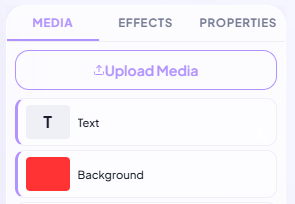
Upload your video
Drop your video onto the upload field. The AI separates the person from the background automatically.
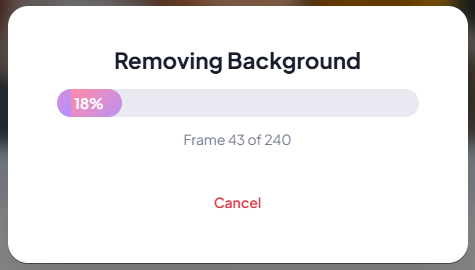
Blur the background layer
Click "Open in editor", show the original video layer again and raise Blur in the Effects panel. The person on the top layer stays sharp.
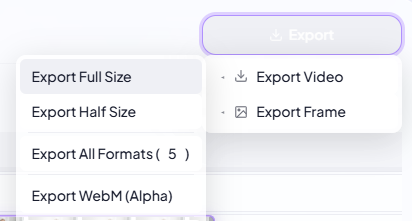
Export your video
Check the result on the timeline and export an MP4 that is ready for YouTube, LinkedIn, TikTok or your website.
Depth of field without a pro camera
Phones and webcams keep everything in focus, which makes videos look flat. Blurring the background adds the depth you normally only get from a large camera sensor and a bright lens — and it works on footage you already have.
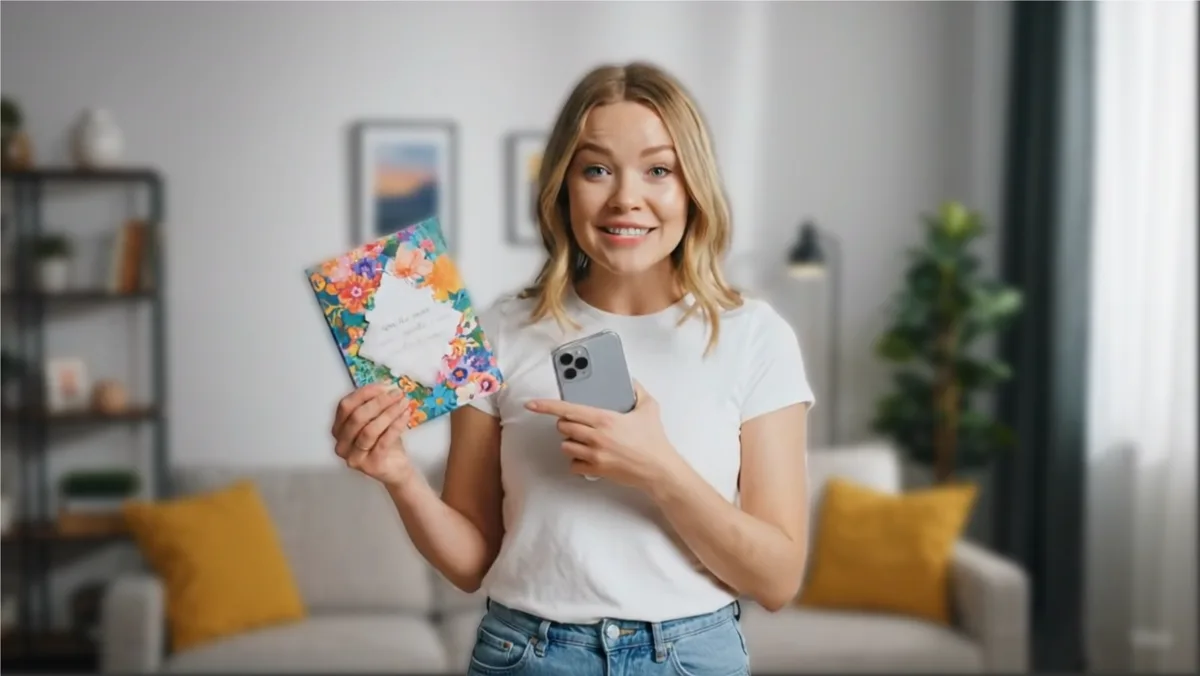
Hide what is behind you
Recorded at home or in a busy office? Blur the background to hide personal items, whiteboards or other people, while viewers still see that you are in a real place. The processing happens in your browser, so your video is not uploaded for it.
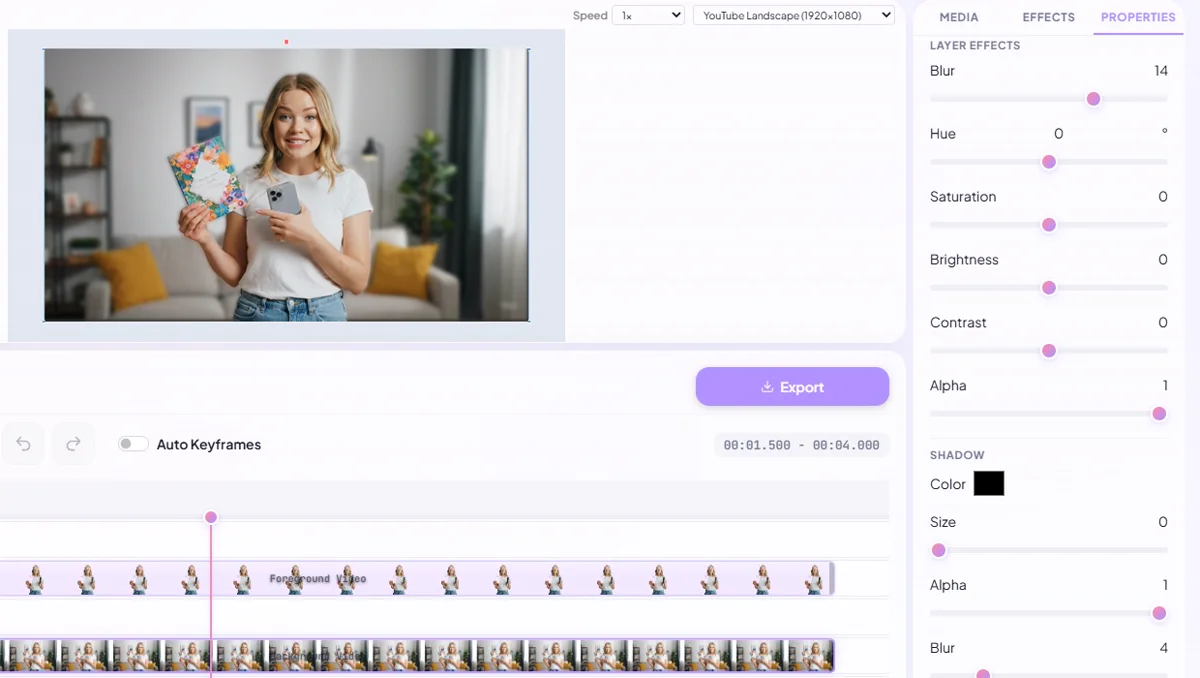
Choose how much blur you want
Use a subtle blur for a natural look or a strong blur to make the background almost abstract. Combine it with brightness, contrast or saturation on the background layer to make the subject pop even more.
More than a single tool
Everything you need to finish your video, in one browser-based editor.
Background removal
Cut people out of any video with AI — no green screen, no masking by hand.
Text & titles
35 fonts, outlines, shadows and keyframe animation for every text layer.
Multi-layer timeline
Stack video, images, text, shapes and audio on separate layers.
Effects & colour
Blur, brightness, contrast, saturation, hue, crop and masks per clip.
Music & sound effects
100+ sound effects, 50+ music tracks and stock video clips built in, plus your own media.
Every format
Landscape, portrait (9:16), square and 4:5 — ready for each platform.