Trending Effect

Text Behind Person Effect

Create the viral text-behind-person effect in your videos. Our AI separates subject from background and lets you insert text layers in between — no After Effects, no manual masking.

Try It Free See How It Works
★★★★★ 4.9 / 5 — The #1 tool for this effect
[ Text Behind Person Effect Demo ]

Seen on

TikTok Instagram Reels YouTube Shorts Twitter/X

The Viral Depth Effect — Made Easy

You've seen it everywhere on TikTok and Instagram: bold text that appears to sit behind a person, creating a stunning 3D depth illusion. Previously, this required hours of manual masking in After Effects. With BehindVideo, our AI does it automatically in seconds. Upload your clip, type your text, and watch the magic happen.

It's This Easy

How to Create the Text Behind Person Effect
[ Upload Preview ]
1

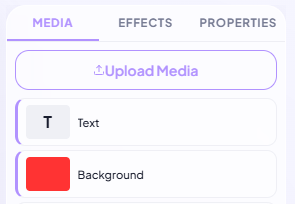
Upload Your Video

Upload a video with a person or subject. Our AI works best with a clearly visible subject — any background works.
[ Text Layer Preview ]
2

Add Text Behind the Subject

Type your text and BehindVideo's AI automatically places it behind the person. Customize the font, size, color, and position. The AI handles the depth masking in real-time.

[ Final Result Preview ]
3

Export Your Viral Video

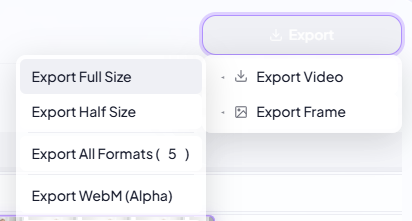
Preview the result, then export in HD or 4K. Download or share directly to TikTok, Instagram Reels, or YouTube Shorts.
[ AI Depth Detection ]
AI Depth

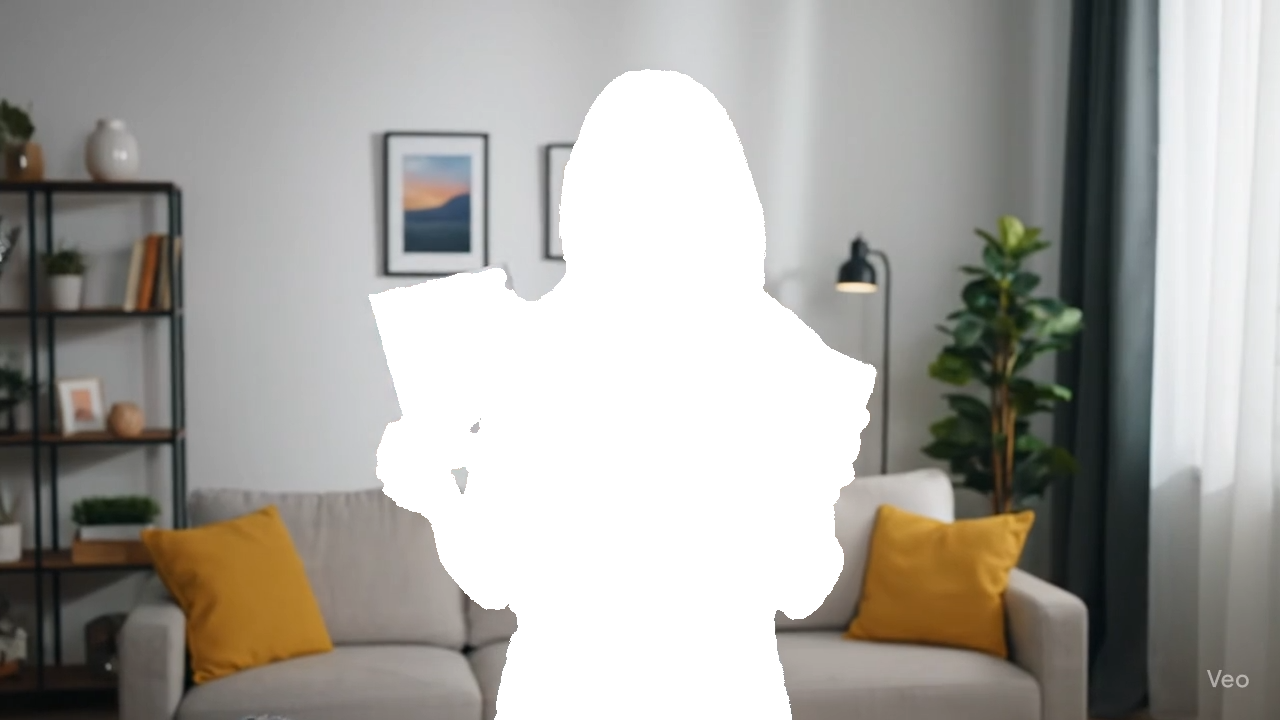
Automatic Subject Detection

BehindVideo uses advanced AI segmentation to identify the subject in every frame of your video. It creates a pixel-perfect depth map that separates the person from the background — allowing text (or any element) to be placed in between. No manual masking, no frame-by-frame editing.
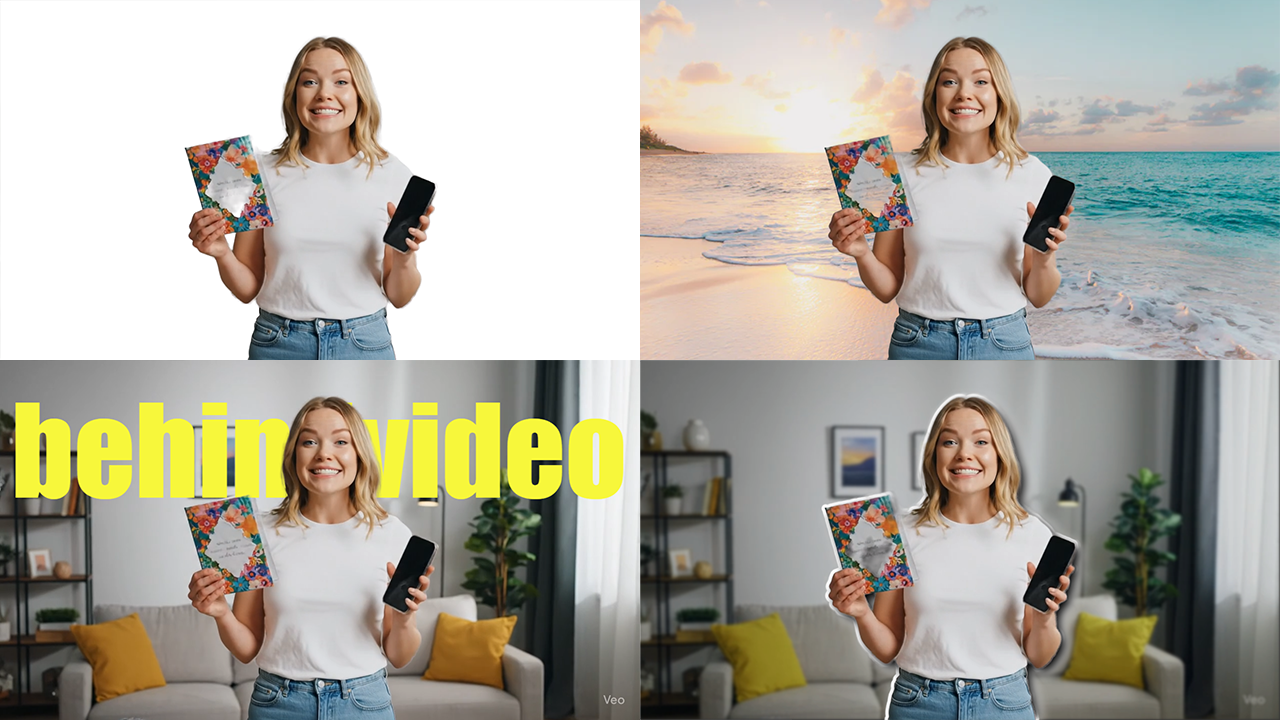
[ Text Customization Options ]
Customizable

Full Creative Control

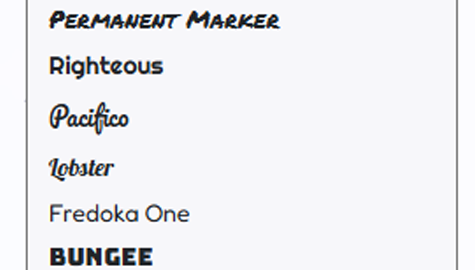
Don't just place text behind people — make it look exactly how you want. Choose from hundreds of fonts, add bold colors, drop shadows, outlines, and glow effects. Animate the text with smooth entrance effects. Scale it massive for impact or keep it subtle for elegance.
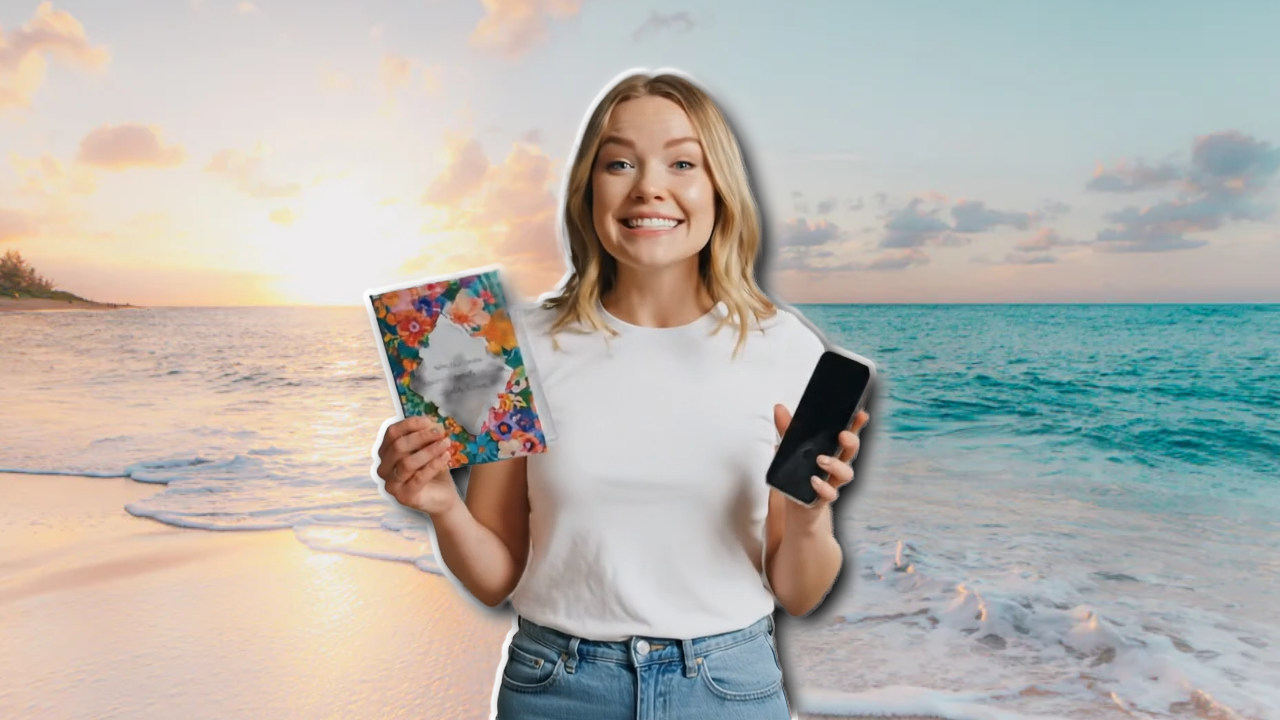
[ Multiple Layers Example ]
Multi-Layer

Not Just Text — Place Anything Behind

The depth effect isn't limited to text. Place images, shapes, gradients, or even other videos behind your subject. Create cinematic intros, dramatic reveals, or playful social media content. Stack multiple layers to build complex compositions — all with automatic AI masking.

Creator Feedback

Why Creators Choose BehindVideo

★★★★★

"This effect used to take me 2 hours in After Effects. Now it takes 30 seconds. BehindVideo is insane."

User
Jake Morrison
TikTok Creator (2.1M followers)
★★★★★

"My Reels got 5x more engagement after I started using the text-behind effect. It's the ultimate hook."

User
Sofia Reyes
Instagram Creator
★★★★★

"I built my entire YouTube brand around this effect. BehindVideo makes it so easy, I use it for every video intro."

User
Tyler Brooks
YouTube Creator (450K subs)

Frequently Asked Questions

It's a visual effect where text appears to be positioned behind a person or subject in a video, creating a 3D depth illusion. The text is visible around the subject but hidden where the person stands — making it look like the text exists in the scene behind them. It's hugely popular on TikTok, Instagram Reels, and YouTube Shorts.

Not anymore. BehindVideo automates the entire process using AI. What used to require manual frame-by-frame masking in After Effects now happens automatically in your browser. No plugins, no downloads, no video editing experience needed.

Yes! Our AI tracks the subject frame by frame, so the text stays behind the person even as they move, gesture, or walk across the frame. It handles motion blur and complex movements with pixel-perfect accuracy.

Absolutely. You can place text, images, shapes, gradients, or even other videos behind the subject. BehindVideo's multi-layer system gives you full creative freedom to build any depth composition you can imagine.

Yes! The text-behind-person effect is available for free on BehindVideo. Free users can export in 720p. Upgrade for 4K exports, additional effects, and unlimited projects.

Create the Text Behind Person Effect Now

No After Effects. No masking. Just AI magic.

Open the Editor