Add Music to Video
Add background music, sound effects, or voiceover to your videos online. Upload your own audio and sync it on a multi-layer timeline — all in your browser, completely free.
Add Music to Your Video See How It WorksMake Your Videos Sound Professional
The right music transforms a good video into a great one. BehindVideo lets you add background music, layer multiple audio tracks, adjust volume, and sync audio to your video's key moments — all from the comfort of your browser. No software downloads, no complicated timelines.
How to Add Music to a Video
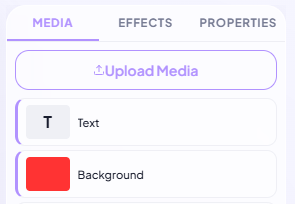
Upload Your Video
Drag and drop your video file or upload from your device. We support MP4, MOV, AVI, WebM, and more.
Choose Your Music
Upload your own audio file (MP3, WAV, AAC) or browse our built-in library of royalty-free music and sound effects. Trim, loop, and adjust volume to fit your video perfectly.
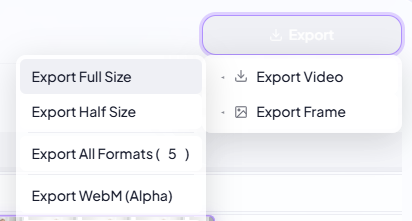
Export & Share
Preview your video with the new audio, then export in HD. Download to your device or share directly to social media.
Fine-Tune Every Detail
Use our visual waveform editor to sync music to specific moments in your video. Trim the start and end, create smooth fade-ins and fade-outs, and adjust the volume curve throughout the video. Layer multiple audio tracks to combine music with voiceover or sound effects.
Built-In Music Library
Don't have music? No problem. Browse our collection of royalty-free tracks organized by mood, genre, and energy level. From upbeat pop to cinematic orchestral — find the perfect soundtrack without worrying about copyright strikes on YouTube or TikTok.
Optimized for Every Platform
Export your video with audio in the perfect format for any platform. Square for Instagram, vertical for TikTok and Reels, widescreen for YouTube. BehindVideo automatically adjusts the audio encoding to meet each platform's requirements.