Add Effects to Video
Add stunning visual effects, filters, and overlays to your videos online. From blur and shadows to animated transitions and text effects — all in your browser, no software required.
Add Effects Now See How It WorksTransform Your Videos with Professional Effects
BehindVideo's effects engine lets you apply professional-grade visual effects without expensive software. Add blur, color adjustments, shadows, animated transitions, and more. Apply effects to individual layers or the entire video for complete creative control.
How to Add Effects to a Video
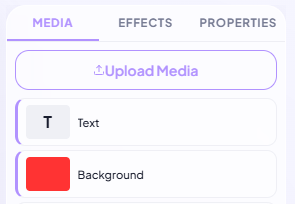
Upload Your Video
Upload your video file from any device. We support all major formats including MP4, MOV, AVI, and WebM.
Browse & Apply Effects
Browse our effects library and click to apply. Preview in real-time. Stack multiple effects, adjust intensity, and fine-tune parameters to get the exact look you want.
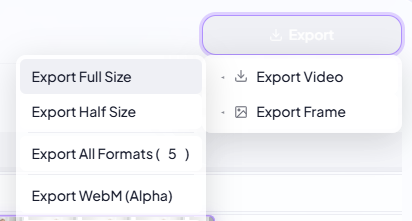
Export & Share
Export your enhanced video in HD. Download to your device or share directly to YouTube, TikTok, or Instagram.
Cinematic Color Adjustments
Transform the mood of your video with precise color controls. Apply warm tones for a vintage look, cool blues for a modern feel, or high-contrast styles for drama. Adjust hue, saturation, brightness, and contrast. Fine-tune the look of each layer with intuitive sliders.
AI-Powered Depth Effects
BehindVideo's AI understands depth — so you can apply effects to individual layers. Add blur effects and shadow controls to add depth and focus to your scenes. Keep the subject sharp while adjusting the background with precision.
Filters, Overlays & Transitions
Add animated transitions like fade, slide, bounce, spin, and zoom between scenes. Combine multiple effects for unique looks — every combination is rendered in-browser so you can preview instantly.